First, check for a Mac version
On GOG's website, a game's page lists the systems it runs on. If macOS is among them, download the Mac version from GOG; a Mac version usually runs better than a Windows one. The rest of this guide is for games that are Windows only.
The simple way: GOG's offline installers
GOG games are DRM-free, so they need no launcher to start.
- Download Portnaut, open it, and choose Prepare Portnaut.
- Download the game's Windows installer from your library on GOG's website (the "offline backup game installers").
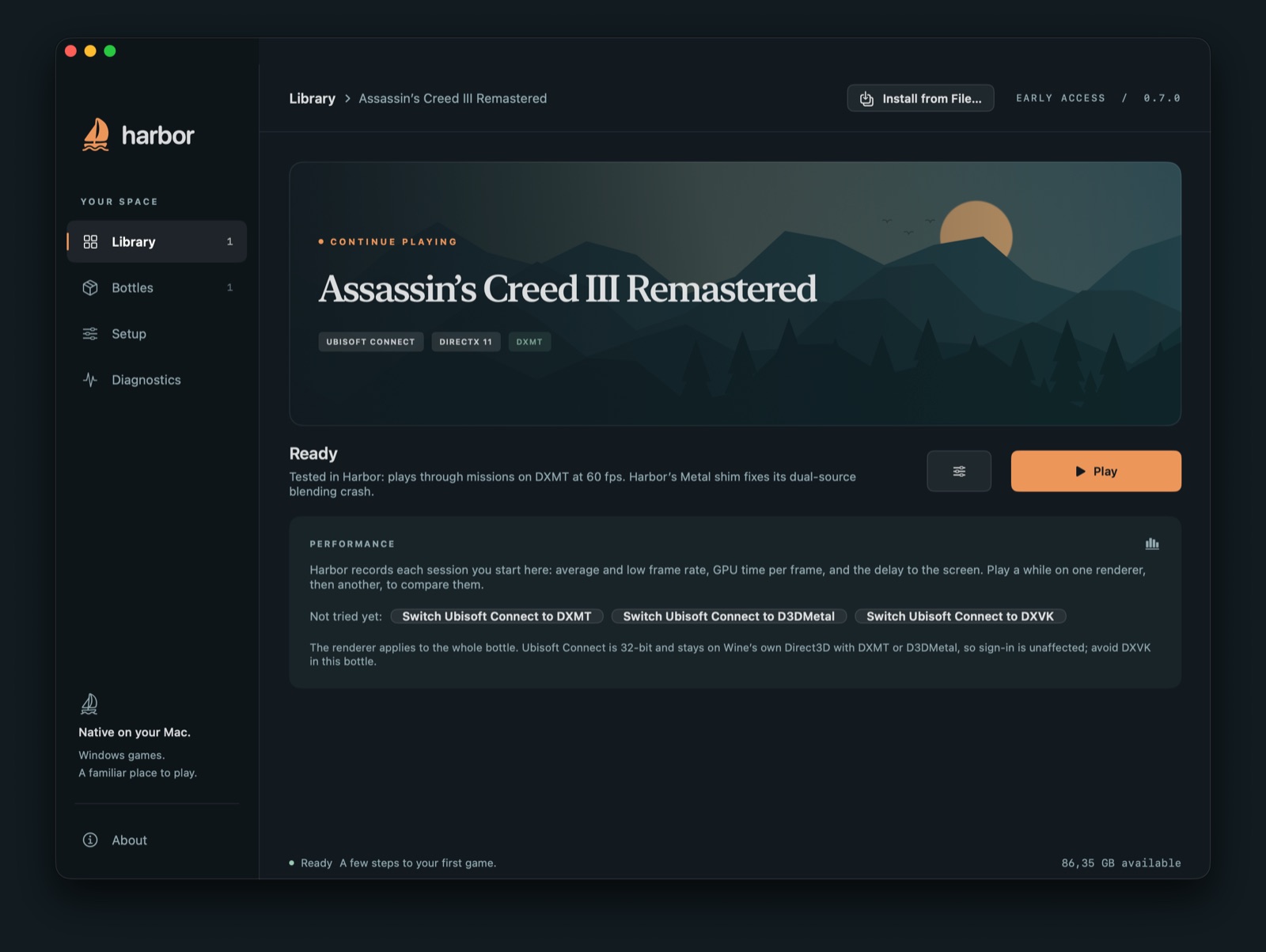
- Choose Install from File… in Portnaut, or drop the installer on Portnaut's window, and install the game into a new bottle. How Install from File works.
- The game appears in Portnaut's library by itself. Press Play.
With GOG Galaxy
- Create a GOG Galaxy bottle with Bottles › New Bottle… and keep easy mode on.
- Choose Install GOG Galaxy and follow GOG's installer. Galaxy's first start right after its installer closes again; Portnaut then opens it for you.
- Sign in and install games. They appear in Portnaut's library by themselves and start without Galaxy.
Galaxy's window would stay blank on a Mac; Portnaut sets Galaxy up so it draws, before every start. Keep the bottle on DXVK, DXMT or D3DMetal: on Wine's own renderer Galaxy's window stays white.
Good to know
- Older games: many GOG games are older 32-bit DirectX 9 games, which DXVK, the GOG bottle's renderer, handles. In easy mode Portnaut picks the renderer for each game when you press Play.
- Check a game first: Portnaut's Will It Run? (⌘K) checks about 13,000 games.
Questions
Can I play GOG games on a Mac?
Yes. Use the Mac version when GOG offers one. Windows-only GOG games run through Portnaut if the game itself runs under Wine: with GOG Galaxy, or from GOG's offline installers.
Do I need GOG Galaxy?
No. GOG games are DRM-free: install them from GOG's offline installers with Install from File, and they start without Galaxy. Galaxy is there for downloads, updates and cloud saves.
Is it free?
Portnaut and GOG Galaxy are free. Games cost what they cost on GOG.
Next: Epic Games on Mac · Open .exe files on a Mac · Troubleshooting
GOG and GOG GALAXY are trademarks of GOG sp. z o.o. Portnaut is not affiliated with GOG.