The short answer
- If the game has a Mac version, use it. It runs best and needs nothing extra.
- If it's Windows only, Portnaut can run it through Wine, free, on any Mac with Apple silicon (M1 or later). Many games work; some work only in single-player, and a few don't run at all.
- Check a game before you buy or download it. Portnaut's Will It Run? knows about 13,000 games.
Step 1: check for a Mac version
Many popular games have one, and it's easy to miss:
- Steam: an Apple logo next to the price on the game's store page. Install it with Steam's Mac app.
- GOG and the Epic Games Store: the game's page lists macOS among its systems.
- The Mac App Store: some games are sold there too.
No Mac version? Read on.
Step 2: check whether the Windows version can run
Whether a Windows game runs on a Mac depends mostly on the game, not on your Mac:
- Usually fine: single-player games and many online games, using DirectX 9, 10, 11 or 12.
- Single-player only: some games run but block their online mode, because the online part needs anti-cheat that Wine can't run. GTA 5 is an example: story mode plays, GTA Online doesn't.
- Won't run: games whose anti-cheat runs inside Windows itself (kernel-level anti-cheat). That's true for every Wine-based app, not just Portnaut.
Portnaut's Will It Run? (⌘K) shows what's known about a game: whether it's been played on a Mac, whether Mac players report it working, what Linux players' results predict, and whether its anti-cheat blocks it. It works on your Mac, without sending what you search for.
Step 3: set it up in Portnaut
- Download Portnaut, move it to your Applications folder and open it. It isn't notarized by Apple yet, so the first time, allow it in System Settings › Privacy & Security with Open Anyway.
- Choose Prepare Portnaut. It downloads Wine and the graphics renderers once, a few hundred MB.
- Create a bottle for your game store. Choose Bottles › New Bottle… and pick the store you bought the game from: Steam, Epic Games, the EA app, Ubisoft Connect, Battle.net, GOG Galaxy, the Rockstar Games Launcher or Amazon Games. Keep easy mode on.
- Install the store and sign in. Portnaut downloads the store's own Windows installer. Your password goes to the store; Portnaut never sees it.
- Install the game in the store, as you would on a PC. It appears in Portnaut's library by itself.
- Press Play. In easy mode Portnaut picks the graphics renderer that suits the game and backs up your saves first.
Got the game as a Windows installer instead, say from GOG's website? Use Install from File…. How to open .exe files on a Mac.
Guides for each store
- Steam on a Mac
- Epic Games Store games on a Mac
- The EA app on a Mac
- Ubisoft Connect on a Mac
- Battle.net on a Mac
- GOG games on a Mac
Guides for specific games
Each one says what has been tested, by whom, and what doesn't work:
- GTA 5: story mode, not GTA Online
- Red Dead Redemption 2: the story, after one component update
- Marvel's Guardians of the Galaxy
- Metaphor: ReFantazio
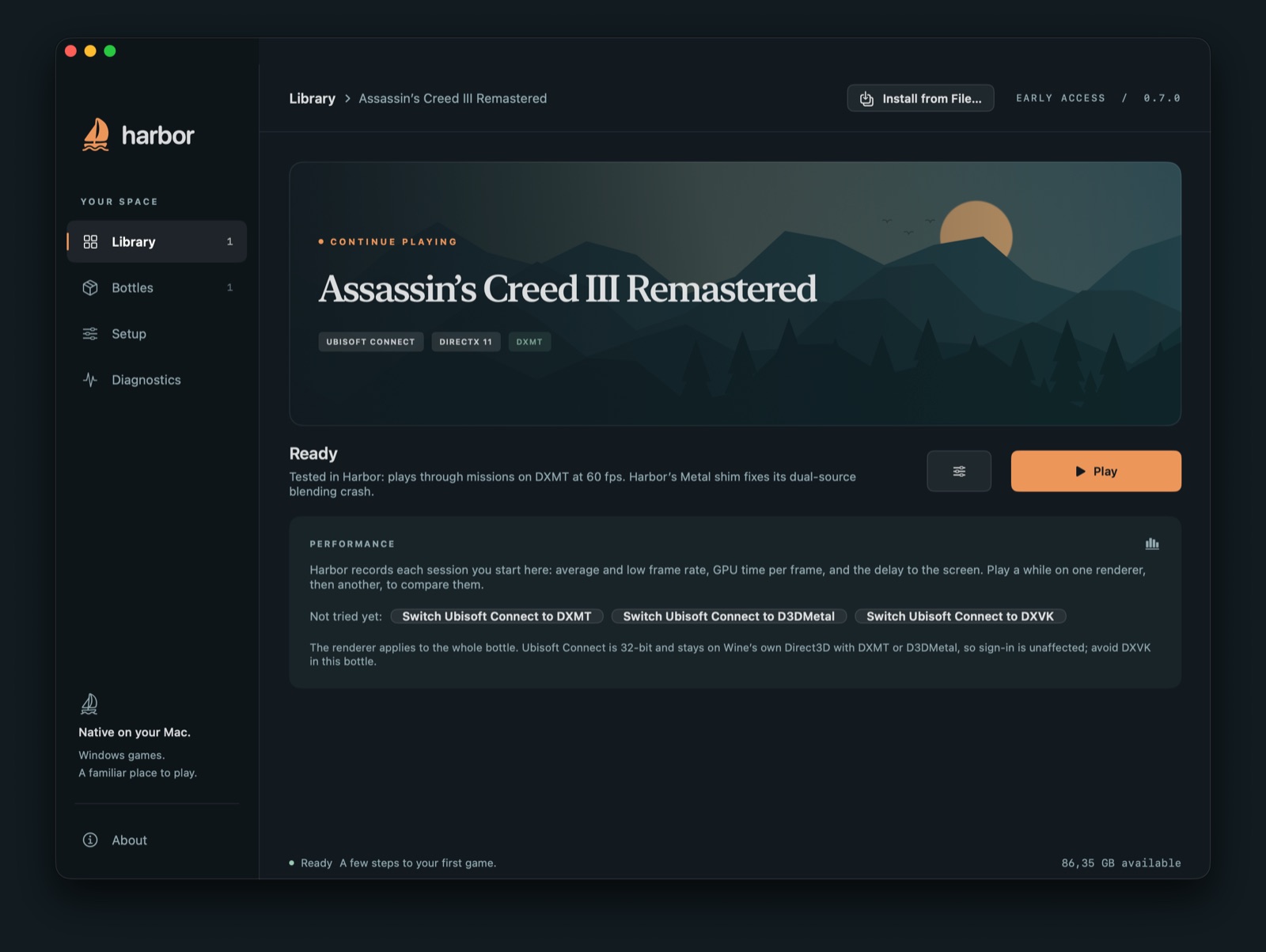
- Assassin's Creed III Remastered, the game Portnaut has been tested with most
How fast will it be?
That depends on the game and your Mac. Rosetta translates the game's Intel code and a renderer translates its DirectX graphics to Apple's Metal, which costs some speed compared with a PC of similar power. A few rules of thumb:
- Pro, Max and newer chips are noticeably faster in demanding games.
- Memory counts. Large open-world games can use most of 16 GB; with less, they slow down when macOS starts swapping.
- A MacBook Air has no fan, so a demanding game can slow down after a while. Lighter and older games are fine.
- Find My Best Setup in Portnaut plays a game on each renderer that can run it, measures every round on your Mac, and keeps the fastest.
Other ways to play
- Cloud gaming, such as GeForce NOW or Xbox Cloud Gaming, streams games from a PC elsewhere. It's the way to play online games whose anti-cheat won't run on a Mac, if the service offers them.
- A virtual machine runs a whole copy of Windows for Arm, which suits Windows apps more than games. Boot Camp doesn't exist on Macs with Apple silicon: what to use instead of Boot Camp.
Questions
Can you play PC games on a Mac?
Yes, many of them. Games with a Mac version run directly. Windows-only games run through Wine, which Portnaut sets up for free on Macs with Apple silicon. Games with kernel-level anti-cheat don't run, and some games run only their single-player part.
Do I need Windows to play PC games on a Mac?
No. Wine provides the parts of Windows that games use, so no copy of Windows and no Windows licence is needed. You only need the games, from the store you bought them in.
Can a MacBook Air play PC games?
Yes, within its limits. Any MacBook Air with Apple silicon runs Portnaut. Lighter and older games run well; demanding games run at lower settings, and because the Air has no fan, they can slow down over a long session.
Does this work on an Intel Mac?
Portnaut needs a Mac with Apple silicon (M1 or later). On an Intel Mac, Boot Camp can still install Windows next to macOS.
Is it free?
Yes. Portnaut is free and open source, and so are Wine and most of the renderers it uses. You only pay for the games.
Next: Steam on a Mac · Boot Camp on Apple silicon? · Troubleshooting
Steam, Epic Games, EA, Ubisoft Connect, Battle.net, GOG, Rockstar Games, Amazon Games, GeForce NOW, Xbox Cloud Gaming and Boot Camp are trademarks of their owners. Portnaut is not affiliated with them.